Laser Cutting & Engraving Tools
Diving into laser cutting and engraving opens up a universe of creative possibilities, turning your digital designs into tangible reality. But let's be honest, the sheer variety of machines and accessories can feel like navigating a digital maze. Forget the overwhelming sales pitches; this is about getting you the right gear without breaking the bank or buying a bunch of stuff you'll never use. Whether you're etching intricate details onto wood, cutting precise acrylic shapes, or personalizing leather goods, the tools you choose are your direct link to executing your vision. We'll cut through the noise and show you exactly what you need to start making, from your very first cut to your most complex project, focusing on practical choices that empower your creativity right from the start.
Desktop Laser Cutter/Engraver
This is the core of your laser cutting setup. A desktop machine allows you to perform both cutting and engraving tasks from your home or workshop.
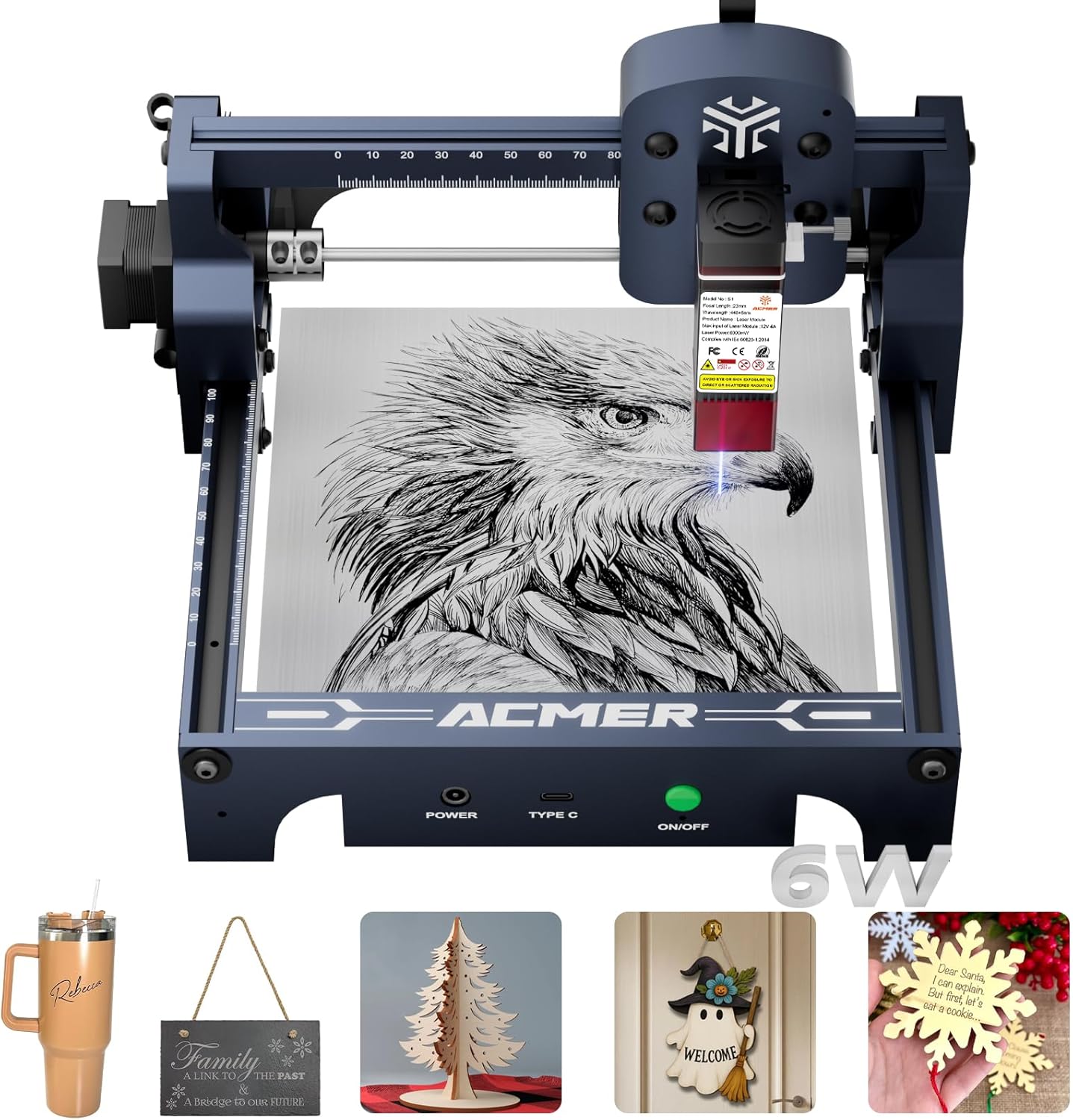


Choosing Your First Laser Machine
Laser Safety Glasses
Crucial for protecting your eyes from the laser's beam, even during brief operation. This is non-negotiable safety equipment.

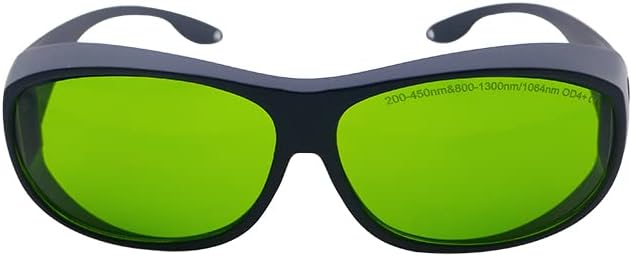

Essential Safety Gear: Don't Skimp!
Ventilation System
Laser cutting produces fumes and particles. An effective ventilation system is crucial for your health and for machine longevity.


When to Upgrade Your Laser Tools
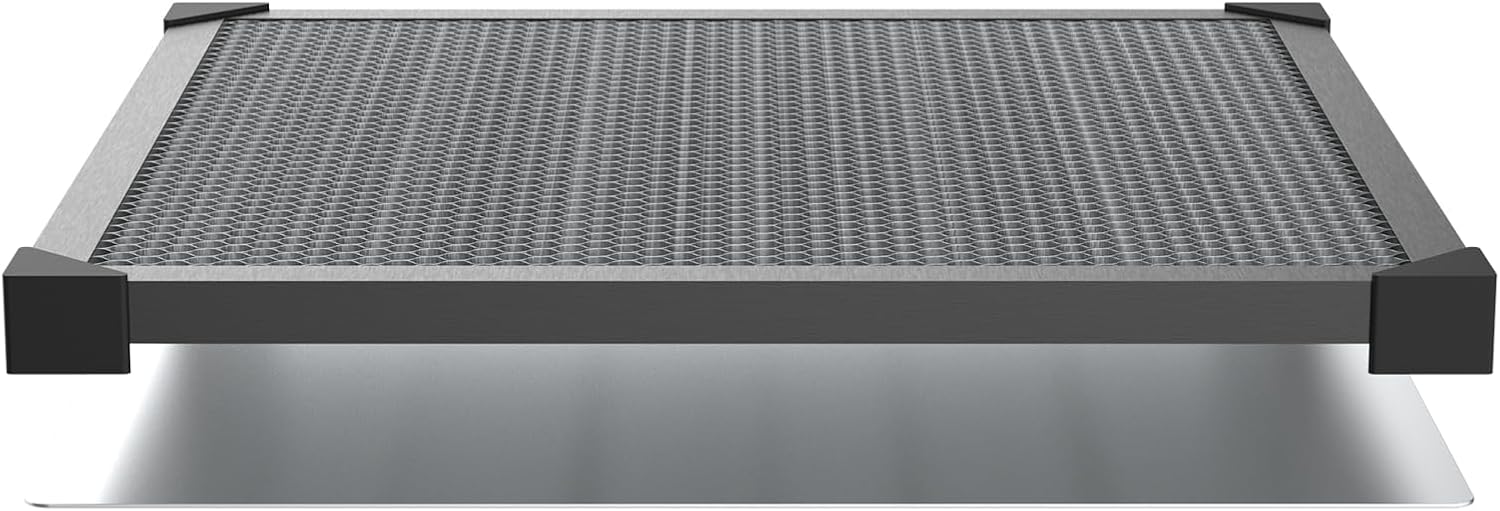
Honeycomb or Blade Bed
This platform supports your material during laser work, ensuring clean cuts and preventing material warping.


Focus Gauge Tool
Accurately setting the laser's focal length is critical for achieving sharp engravings and clean cuts.

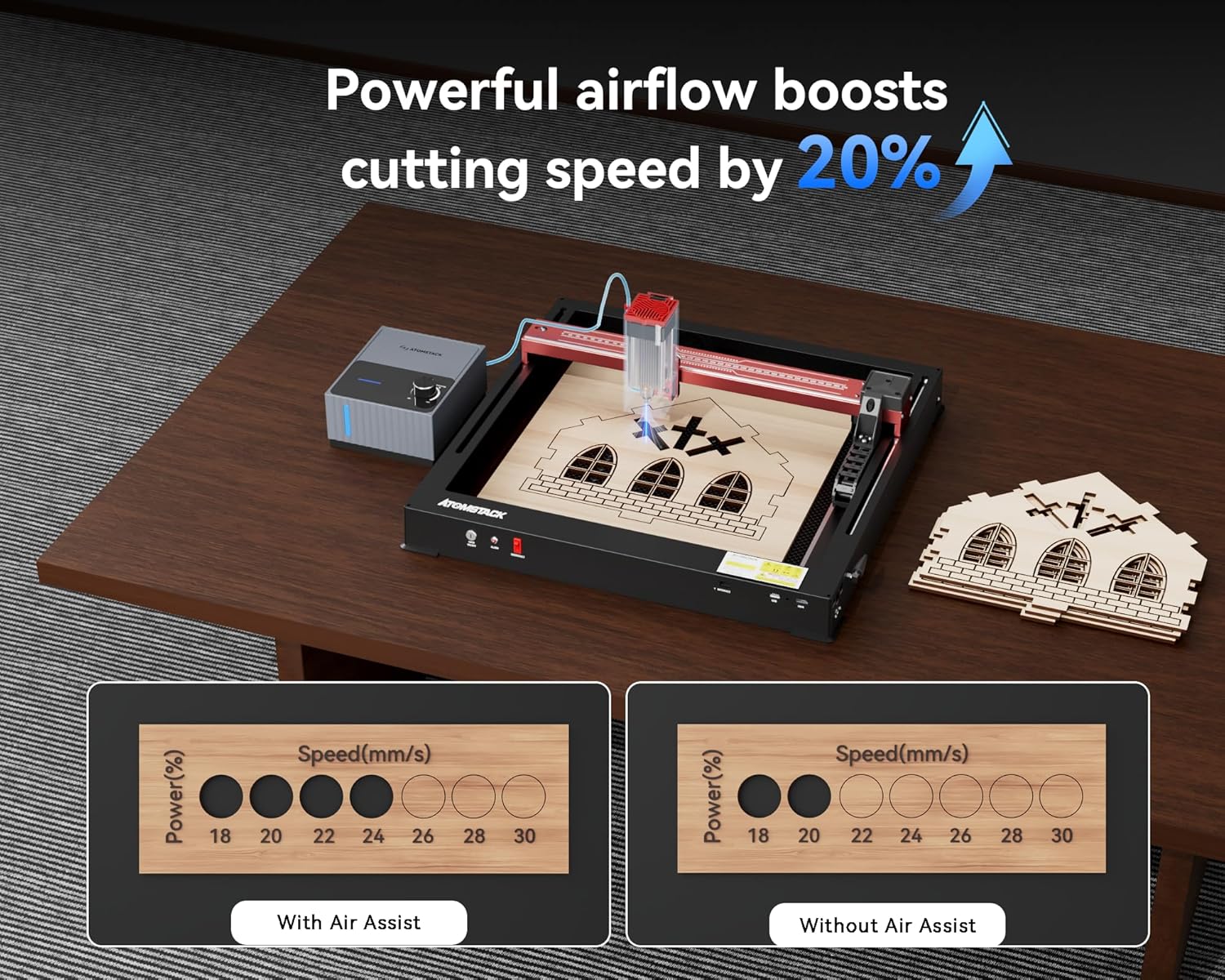
Compressed Air Assist
An air assist system blows air at the laser's focal point, which helps to clear smoke, prevent flare-ups, and improve cut quality.


Material Alignment Tools
Ensuring your material is perfectly flat and positioned is key to accurate cuts and engravings.


Digital Caliper
Precisely measuring material thickness and small components is key for accurate design and cutting.


Equipment Intelligence.
Maintenance & Logistics